
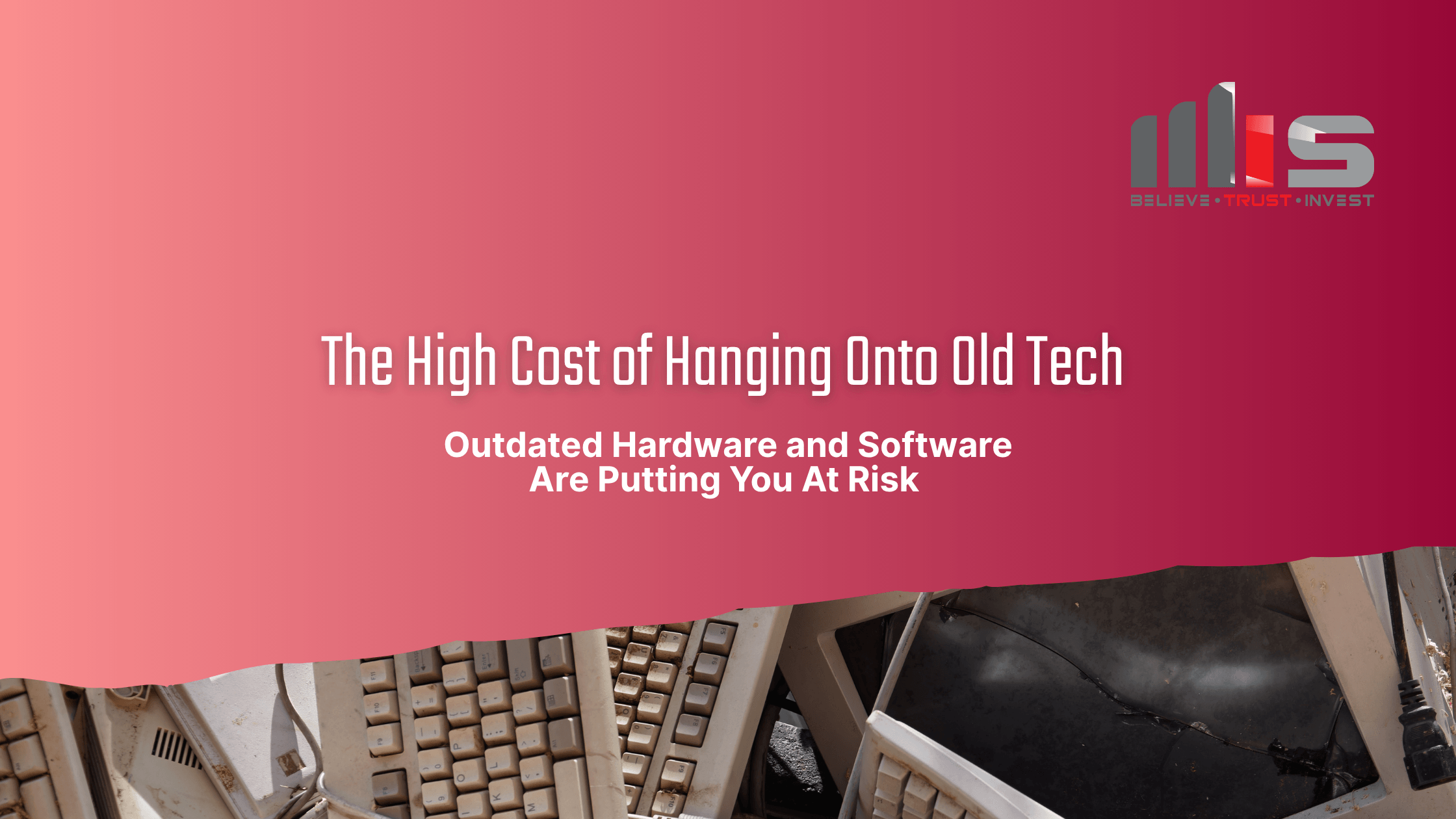
Outdated Hardware and Software Are Putting You At Risk
You might think you're saving money by holding on to old technology or delaying upgrades. Many small businesses feel they should “make do” with what they have. But outdated hardware and unsupported software are cybersecurity ticking time bombs, and when they go off, the damage can lead to downtime, data breaches, and unexpected costs that far outweigh the price of a proactive upgrade.
What happens when you skip oil changes or ignore worn-out brakes? It might save money now, but eventually, the breakdown will cost more than regular maintenance ever would. The same is true for servers, laptops, operating systems, even expired warranties.
At TeamMIS, we see the consequences every day: preventable outages, major vulnerabilities, and emergency fixes that could have been avoided with the right technology lifecycle plan.
The Risks of Outdated Technology
If you're holding on to outdated tech, you're putting your business at risk. You could be exposed to:
- Security Vulnerabilities
Old systems no longer receive critical security updates or patches, leaving your business wide open to cyberattacks, ransomware, and malware. For example, Microsoft has ended support for Windows 7 and Windows 8 any device still running them is highly vulnerable. - Compliance Gaps
If you operate in regulated industries like healthcare or finance, outdated systems can cause you to fall out of compliance with standards like HIPAA or PCI-DSS. Without regular updates, you risk failing audits or facing costly fines. - Increased Downtime and Data Loss
Aging servers and workstations are more likely to crash or fail, leading to lost productivity and potentially unrecoverable data. Outdated systems also lack the resilience and safeguards needed to prevent data corruption or loss. - Poor Performance and Lost Productivity
Slow machines, incompatible software, and frequent crashes don’t just frustrate your team—they waste time. Even if the tech still “works,” it’s likely costing you hours of productivity every week. - Higher Long-Term Costs
Emergency repairs, last-minute replacements, and unexpected downtime are always more expensive than proactive upgrades. In many cases, you’re spending more just to keep old tech alive than you would to modernize with purpose.
The Warranties and Support You May Be Missing
Most hardware and software vendors provide warranties and support services only for a limited time. If you’re running devices or software versions that are past their end-of-life (EOL) date, you’re on your own when something breaks.
For instance:
- Windows 10 reaches end-of-support in October 2025, if you’re still using it, Microsoft will stop providing security patches and updates.
- Old server warranties often expire quietly, leaving businesses scrambling when critical parts fail.
When this happens, you’re forced to pay premium prices for urgent replacements or, worse, face prolonged downtime while waiting for custom fixes.
Real-World Example
A local engineering firm we worked with suffered two days of downtime when an outdated server crashed, right in the middle of a major project. With no active warranty or backup server, they lost access to client files and had to pay emergency fees for recovery. A planned upgrade would have cost half as much and avoided the disruption entirely.
TeamMIS’s Advice: Upgrade Before It Hurts
At TeamMIS, we believe technology is an asset, not a cost center. We help businesses create proactive hardware and software lifecycle plans that keep your systems secure, efficient, and cost-effective.
Here’s How We Help:
- Lifecycle Planning
We build a technology roadmap that includes planned hardware refreshes and software upgrades, so nothing catches you off guard. - Warranty & Patch Management
We track warranty renewals, patch cycles, and vendor support timelines to ensure your systems stay covered. - End-of-Life (EOL) Monitoring
We monitor vendor announcements (e.g., Windows 10 EOL) and help you upgrade in time to avoid security risks. - Cost Optimization
We evaluate your infrastructure and find ways to reduce costs by consolidating systems or moving to modern solutions like the cloud. - Business Continuity Planning
We make sure you have backups and failover strategies in place, so even if something fails, your team keeps moving.
Don’t Wait for the Breakdown
Running your business on outdated technology is like driving on bald tires. You might get by for a while, but eventually, something’s going to blow. The costs of emergency fixes, downtime, and security breaches far outweigh the cost of keeping your IT modern and secure.
Is your tech ready for the future or putting you at risk?
Schedule a free Technology Health Check with Team MIS. We’ll review your hardware, warranties, and software lifecycle to help you plan ahead, avoid downtime, and stay protected.
