
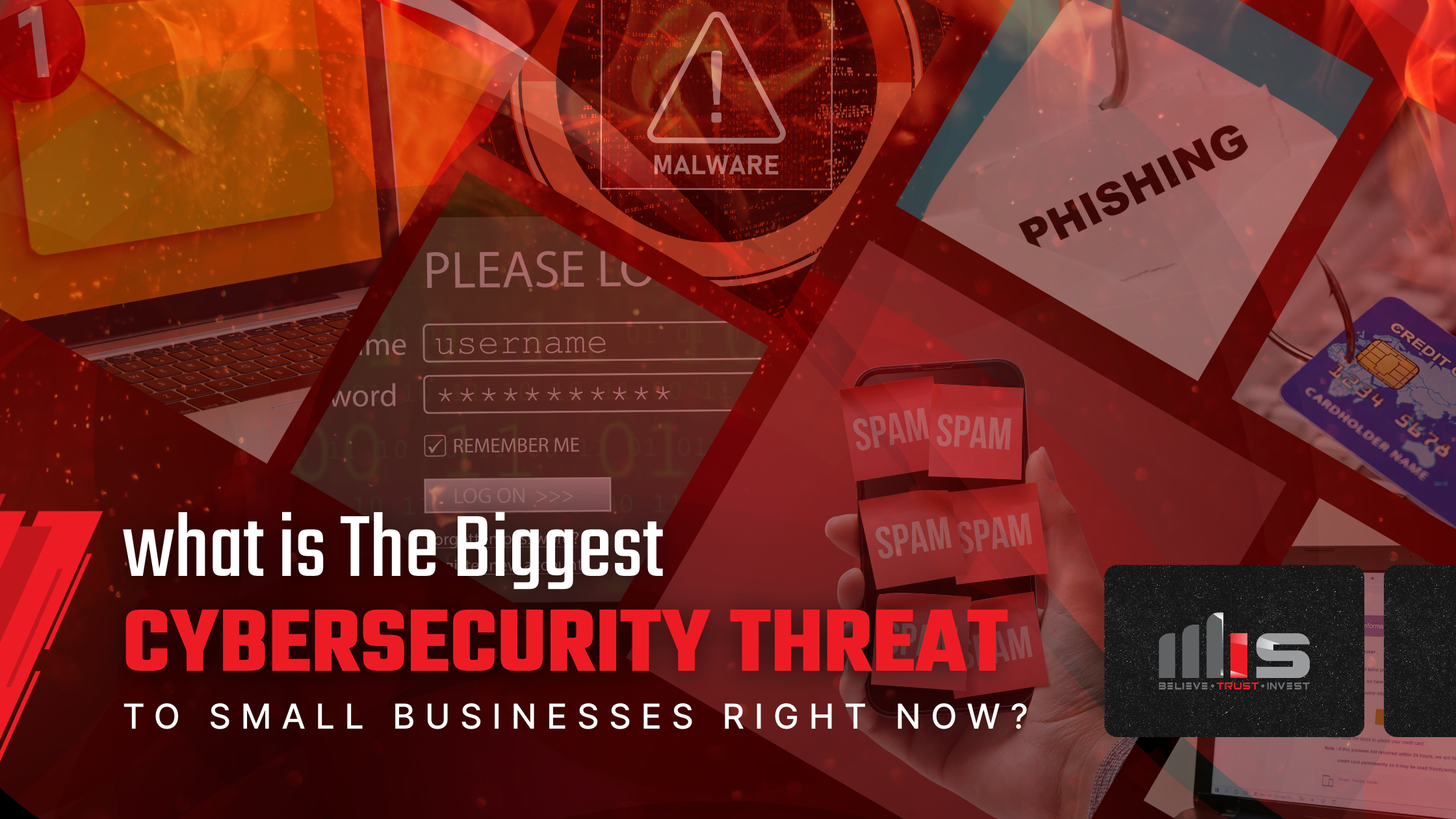
If your business has 20 to 100 employees and no dedicated IT security staff, the biggest cybersecurity threat you face right now is phishing. It usually arrives as something as ordinary as an email: a password reset request or a warning that your storage is full, with a link that looks legitimate enough to click. When asked what poses the greatest cybersecurity risk to small businesses today, Matt Griffin, Lead Technician at TeamMIS, didn’t hesitate:
“Phishing itself. An email that looks legit, down to the link. Sign up here, change your password, your storage is full, click here to expand it. It's literally just that. That is the largest problem we have."
Most small businesses aren’t set up for that kind of threat. Their protection often stops at a firewall and antivirus, tools that guard the network well but can’t stop an employee from acting on a convincing email. The rest of the defense has to be built around the email itself and the people who receive it.
You Think You’re Too Small to Be a Target
A 30-person engineering firm or regional trucking company doesn’t seem like an obvious target for cybercriminals, especially when headlines focus on hospitals and major retailers. But as Matt puts it, “Do you have a bank account? Do you have money? If yes, then you are a target. It’s that simple.”
Phishing attacks go out in bulk to thousands of inboxes, with attackers waiting for someone to take the bait. They don’t need to know how many employees you have or what industry you’re in. A company with 20 people, no security staff, and an owner who also approves the payments has fewer safeguards to catch a fraudulent request than a large corporation with a dedicated security team.
The numbers reflect how widespread the risk is. According to Hiscox's 2026 Cyber Readiness Report, 56% of the 1,000 U.S. small businesses surveyed reported at least one cyber attack in the previous 12 months.(opens in new tab) Every business in the sample had fewer than 250 employees.
TeamMIS has seen that false sense of security play out firsthand. Tamara Bond, Business Development Lead at TeamMIS, recalls a 12-person company in northern Indiana that initially declined the additional protection recommended because, as she remembers it, the customer believed they were too small to get hit. After suffering an attack, the company implemented the very safeguard it had previously turned down: extended detection and response (XDR).
XDR monitors activity across computers, networks, and other connected systems to help detect and respond to suspicious behavior. The company ended up with the same tool it had been offered, only now it was installing it while recovering from an attack instead of before one.
The 3 Most Common Types of Phishing Attacks Right Now
Phishing is a broad label. Most of the attacks that reach small businesses take one of three forms.
Fake Login Pages That Steal Passwords
Many phishing messages carry no malware at all. They simply link to a fake login page designed to look like Microsoft 365 or your bank. When an employee enters their password on that page, no malicious file ever reaches their computer. The attacker now has credentials they can use to access the real account.
Payment Redirection
Criminals impersonate an owner, executive, or vendor and ask for a payment to go to a new account. The FBI’s Internet Crime Complaint Center recorded $3.05 billion in reported U.S. losses from business email compromise in 2025, according to its 2025 Internet Crime Report. These emails often contain no link at all, only a request that looks routine.
Impersonated Coworkers
Some phishing emails are dressed up as internal messages from someone you work with, which makes them harder to question. The most convincing ones copy the company’s letterhead, signature format, and the sender’s real job title. The checklist below shows where to look for the giveaways.
Why Phishing Works on Smart, Careful People
Tamara points to something technology can’t eliminate: human behavior. Unlike firewalls and security software, she explains, employees “have feelings. They’re more trusting, more curious. Sometimes they’re just busy and not paying attention.”
These are normal human tendencies, but phishing emails are designed to exploit them. Someone reading an email at 4:45 p.m. on a Friday, halfway through a client call, makes a different decision than they would at 9 a.m. on a Tuesday. Attackers exploit urgency (“your account will be locked in 24 hours”), authority (a request that appears to come from the owner), and curiosity (a shared document titled “2026 salary adjustments”).
Attackers also use AI tools to polish their messages, which removes the spelling mistakes people once relied on as a warning sign.
How to Spot a Phishing Email Before You Click
Today’s phishing emails rarely resemble the misspelled lottery scams people imagine. The warning signs are hidden in the details a busy employee is unlikely to check.
Here are four places to look before clicking:
- The full sender address. The display name can be misleading. Check the actual email address and domain for subtle misspellings or unfamiliar variations.
- The signature line. One transposed letter in a name or title is easy to miss when you're skimming.
- The real link destination. Hover over a link on a computer (or press and hold on a phone if your email app supports link previews). Check the actual destination, not just the text displayed. For example, in ‘chase.com.secure-login.net’, the domain is ‘secure-login.net’, not chase.com.
- The request itself. An unexpected password reset, storage warning, or a change to payment details deserves scrutiny. Instead of following the link, navigate to the service using a known bookmark or contact the supposed sender using a phone number you already trust.
Your Cyber Insurance Questionnaire is a Phishing Self-Test
Most owners don’t find their phishing gaps until something forces the question. There’s no warning when an employee nearly enters a password into a fake login page, or a suspicious email slips past your filters. Without a visible incident, the gaps can go unnoticed.
For many businesses, the first wake-up call comes at cyber insurance renewal. Tamara sees it regularly: companies face increasingly detailed security questionnaires and discover they can’t confidently answer basic questions about their protections. Some customers face requirements they don’t even recognize.
Those questionnaires commonly ask whether multi-factor authentication (MFA) is enforced for email and remote access, whether staff receive security awareness training, and whether computers run endpoint detection and response (EDR) software. Those questions exist because insurers know where phishing claims start. Brett Walters, VP of TeamMIS, frames the stakes plainly: “Is your current provider doing the things they should be doing, or are they just saying they are? And when you do have an event, will you get paid?”
Try answering three questions now, without looking anything up:
- Is MFA turned on for every email account, including the owner’s?
- When did your staff last get security training, and did it include a simulated phishing email?
- Does every company computer run EDR software?
If any answer is “I’m not sure,” that’s where to start.
Many businesses put off that step, and the reason is rarely complicated. Tamara puts it bluntly: “A lot of companies are not proactive. They’re just not. Until something actually happens, they sit on what they have.”
That’s understandable when you’re busy managing payroll, chasing receivables, and keeping employees productive. But waiting can turn an overlooked security gap into a costly disruption. Verizon's 2026 Breach Impact Study, built on U.S. cyber insurance claims, put the median loss for small and midsize businesses (those under $25 million in annual revenue) at roughly $38,000 per claim, and in the most severe cases, breach losses exceeded 7% of a small business's annual revenue(opens in new tab). For a company bringing in $8 million a year, that means losing more than $560,000. Insured losses don’t capture the full cost of downtime, lost customers, and the staff time required to recover.
What Actually Stops Phishing
A good spam filter stops most phishing before anyone sees it, but no filter stops all of it. The small share that slips through still lands in front of an employee, and it tends to be the most realistic. Matt makes that point starkly: “Any one percent of that can take down a company in seconds.”
Rather than aiming for perfection, the goal is to reduce the chances that a phishing email reaches an employee, lower the odds that anyone acts on it, and limit the damage if an attacker gets through.
Require Multi-Factor Authentication on Every Account
A stolen password shouldn’t be enough to access a company account. Tamara recommends enforcing MFA across the organization, not just on email or certain systems: “Make them do multi-factor authentication across the board.” MFA adds another verification step, making it harder for attackers to use credentials captured through phishing.
Manage Every Device that Accesses Company Data
Tamara admits that “mobile device management is a hard thing sometimes for employees to understand, but that’s important too.” Device management helps enforce security requirements, such as screen locks and updates. It can also remove company data from lost or stolen devices.
Detect and Respond to Threats that Slip Through
EDR and XDR tools monitor activity across devices, identify suspicious behavior, and help contain threats. This is the kind of additional protection the 12-person Indiana company adopted after its attack. The goal is to detect an intrusion before it causes wider damage.
Filter Email and Train Your Team
These are the foundation: email security that checks where a message really came from and scans its links, plus ongoing training that includes simulated phishing emails based on the messages your team actually receives. Ask your provider whether your email security detects impersonation, not just obvious spam.
Together, these layers make it harder for an attacker to get in or move through your systems undetected.
The Short Answer, and Where to Go From Here
The biggest cybersecurity threat to your small business right now is phishing: a convincing email that tricks someone on your team into clicking a link, revealing credentials, or authorizing a fraudulent payment. One message can be enough to put your accounts, money, and data at risk. The protections that matter most are MFA on every account, managed devices, EDR or XDR monitoring, and a team trained to check before they click.
No tool closes this gap completely, which makes knowing where your gaps are more useful than any single purchase.
If you’re unsure where your business stands, you don’t need to have all the answers before asking for help. Matt’s approach to a new client’s setup is simple: “We're here to help. I really don't care about the situation or how we got there unless it explains or helps the fix."
Not sure whether your current setup would catch a message like the one Matt described? A no-obligation security assessment reviews your existing protections and how your team handles suspicious emails, helping identify gaps. You get a clear picture of your current security posture and where improvements could make the biggest difference.
Book a Security Assessment(opens in new tab)
Frequently Asked Questions About Phishing
What is the most common type of phishing attack on small businesses?
Most phishing aimed at small businesses tries to steal a password or redirect a payment. Fake login pages imitate Microsoft 365, a bank, or a file-sharing service to capture credentials. Business email compromise impersonates an owner or vendor to get a payment sent to a new account. Both depend on an employee acting on an email that looks routine.
What should I do if an employee clicked a phishing link?
Act right away and don’t punish the person who clicked and reported it, because fast reporting is what limits the damage. Contact your IT provider immediately, disconnect the device from the network if they advise it, and change the affected password from a different device. If a payment was involved, call your bank at once; recovering money depends on how quickly the bank can act.
Does cyber insurance require phishing training?
Many insurers ask about security awareness training on their applications and renewal questionnaires, along with MFA and EDR. Requirements vary by insurer and policy, so check your own questionnaire. Answering “yes” to a control you don’t have in place can put a claim at risk.
Does multi-factor authentication stop phishing?
MFA blocks most attempts to use a stolen password, which makes it one of the most effective protections available. It isn’t foolproof. Some attackers flood employees with approval prompts until someone taps “approve,” and some fake login pages capture the login session as it happens. That’s why MFA works best alongside email filtering, training, and monitoring.